When business systems don’t communicate: The silent problem holding back company growth
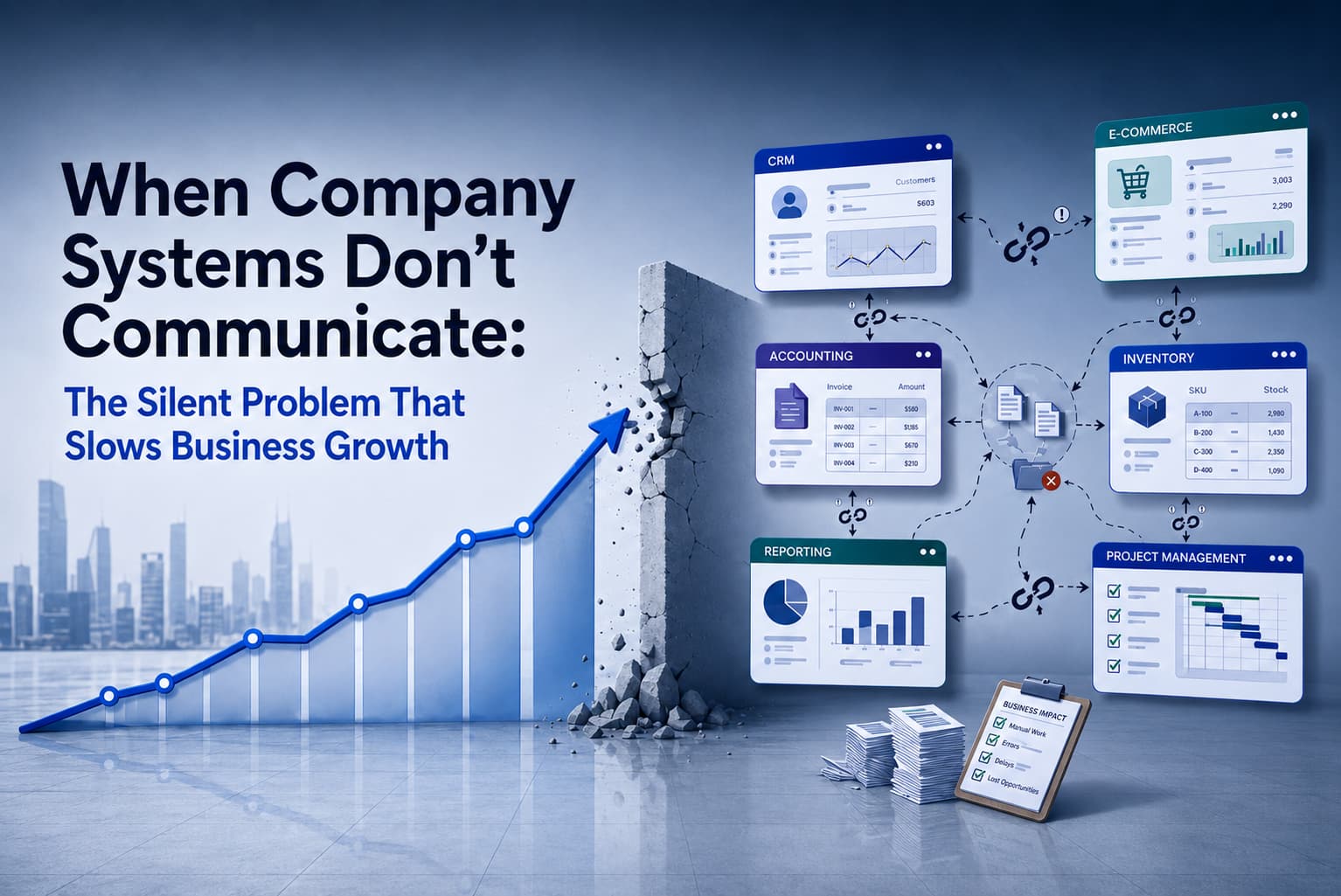
In many companies, everyday work depends on several business applications. One system manages customer data, another handles orders, while others cover accounting, warehouse management, reporting, or project management. On their own, these tools may work well. The problem begins when they cannot communicate with one another.
This situation is often described as isolated systems or data silos. Important information exists in one application, but another application has no automatic access to it. As a result, employees have to copy, import, or repeatedly enter data manually.
At first glance, this may seem like a minor operational inconvenience. In the long run, however, disconnected systems slow down company growth, reduce efficiency, and lower data quality. They delay internal processes, increase the risk of errors, and prevent the company from gaining a reliable view of how it operates.
Why does this happen?
Isolated systems usually do not appear overnight. They emerge gradually as a company grows and adds new tools for different teams or departments.
A common reason is that individual departments choose software based on their own needs. Sales uses a CRM system, finance uses accounting software, and operations relies on a separate internal tool. Each system solves a specific problem, but companies often do not address whether and how these tools will work together.
Another reason may be outdated software. Older systems may not support modern integration options. Even if they remain useful in day-to-day work, connecting them with newer applications can be technically demanding.
The problem also often appears during rapid company growth. A process that was manageable manually in a small team becomes inefficient as the volume of customers, orders, or data increases. A simple Excel export can turn into a daily bottleneck.
The result is the same: employees become the “connector” between systems. Instead of focusing on more valuable work, they spend time manually transferring data.
What are the risks for the company?
When business applications do not communicate with one another, the company faces several risks.
The first and most visible risk is human error. Manual data entry increases the likelihood of mistakes. An incorrect customer address, an outdated price, a missing order number, or a duplicate record can cause problems across departments.
Another risk is wasted time and lower productivity. Employees spend hours copying data, checking spreadsheets, correcting errors, or asking colleagues for up-to-date information. These are repetitive activities that do not bring real added value to the company.
Disconnected systems also lead to inconsistent data. One department may work with current information, while another uses outdated or incomplete data. This affects reporting, decision-making, customer support, and financial planning.
The company also risks slower response times. If information is moved between systems manually, processes such as order processing, invoicing, customer support, or report preparation take longer than necessary.
For management, isolated systems create another problem: limited visibility across the company. If data is scattered across different tools, it is difficult to obtain a complete and accurate picture of business performance. Reports may be delayed, incomplete, or based on information that is no longer current.
Finally, isolated systems can hold back further growth. Manual processes may work in a small company, but they do not scale well. As the company grows, the number of manual tasks, process complexity, and operating costs increase as well.
How can it be solved, and how can CodeArt help?
The solution does not necessarily have to be replacing all existing systems. In many cases, it is more effective to connect the existing tools in a smart and practical way.
CodeArt helps design and implement software integrations that allow important business applications to exchange data automatically. Instead of employees transferring data manually, information can flow securely and reliably in the background according to defined rules.
This may include connecting a CRM system with accounting software, integrating an e-shop with a warehouse or ERP system, synchronizing customer data, automating reporting, or creating an integration layer between applications that do not communicate natively.
CodeArt can also help with custom software development when standard integrations are not enough. Some companies have specific internal processes that cannot be solved with an off-the-shelf tool. In such cases, the right solution may be a custom application, API, or automation layer that connects existing systems and adapts to the way the company works.
An important first step is to understand how data and information flow through the company. Which systems are being used? Where does manual work occur? Which data is duplicated? Where do delays or errors happen? Based on this analysis, CodeArt can design a solution that reflects the company’s real needs. (More in our blog: Customer needs analysis is the foundation of a successful solution.)
A well-designed integration reduces manual work, improves data accuracy, speeds up internal processes, and gives teams access to more reliable information. At the same time, it creates a stronger digital foundation for future company growth.
Isolated systems are therefore not just a technical problem. Above all, they are a business problem. By connecting key applications and automating data flows, a company can save time, reduce risks, and make better decisions based on accurate and up-to-date data.